At Wordfence we are a big team these days with millions of customers, and we think about security all day long. Sometimes we can get deep down the proverbial rabbit hole and forget about the basics.
I recently overheard someone asking “Do I really need a WordPress security plugin?” and I realized this is a perfectly valid question. If you are not in the security industry, you might ask it.
I know that many of you are well versed in security already – and WordPress security in particular. Perhaps that is why you are reading this post or subscribe to our mailing list. What I would like to provide you with in this post is a way to answer the question of “Do I need a WordPress security plugin?” to friends, family and colleagues that is both enlightening and easy to understand.
If you are new to WordPress, I hope this post helps increase your understanding of WordPress security.
Physical Security compared to WordPress Security
 Many people think about WordPress security in the same way that they think about physical security in the real world. In the physical world, we might build a facility like a bank that needs to be secured. We build barriers to entry and access controls as part of the construction project.
Once the project is complete, we have a secure facility with walls, gates, secure entry and exit, cameras, access controls and human personnel to implement security procedures as people enter and exit. The physical construction does not change much over time, once the project is completed.
You are unlikely to discover that the concrete you used to build a wall for your bank is now vulnerable and needs to be replaced. A wall is still difficult to penetrate and a locked gate with a guard is going to still be quite effective a few months from now.
It is easy to make the mistake of thinking about WordPress security in the same way. If you install software that is secure to power your WordPress website and you implement good security policy and controls, one might think a website would behave in the same way. In other words, one might think a secure website today should be secure a few months from now if it doesn’t change.
 That is not the case and I’m going to explain why. If you build a website using the newest software that has been verified to be secure and you implement good security policy, your website does not change, but the environment it is operating in changes. Attackers continually research the software that powers your website and vulnerabilities are eventually discovered in most popular online software.
Therefore the problem is that, while your website software starts off secure, it almost always ends up being insecure without anything changing on your website. It’s not your fault or the fault of the person who created your website. It is just the way of the online world. This differs from our building metaphor above in that a secure building doesn’t usually end up insecure a couple of months after being built without anything in the building changing. But a website does.
In fact, this is an ongoing cycle. Vulnerabilities are discovered, attackers start using them and ultimately if you are a responsible WordPress site owner, you upgrade your site regularly to fix those vulnerabilities. Then new vulnerabilities are discovered in new versions and the cycle repeats.
The Time Gap Between Vulnerability Knowledge and Installation of a Security Fix
You might build a new website with the latest secure versions of WordPress and all of the relevant plugins and a theme. As time passes, vulnerabilities are discovered in your plugins, theme and the version of WordPress core you are using. Those vulnerabilities (or security holes) become public knowledge at some point.
 There is usually a delay between when the vulnerability becomes public knowledge and when you get around to installing a fix. Even when a fix is automatically released by the WordPress security team, the vulnerability may have been public knowledge for some time. This was the case with the recent PHPMailer vulnerability, which took several weeks for a patch to appear in WordPress core and be automatically deployed.
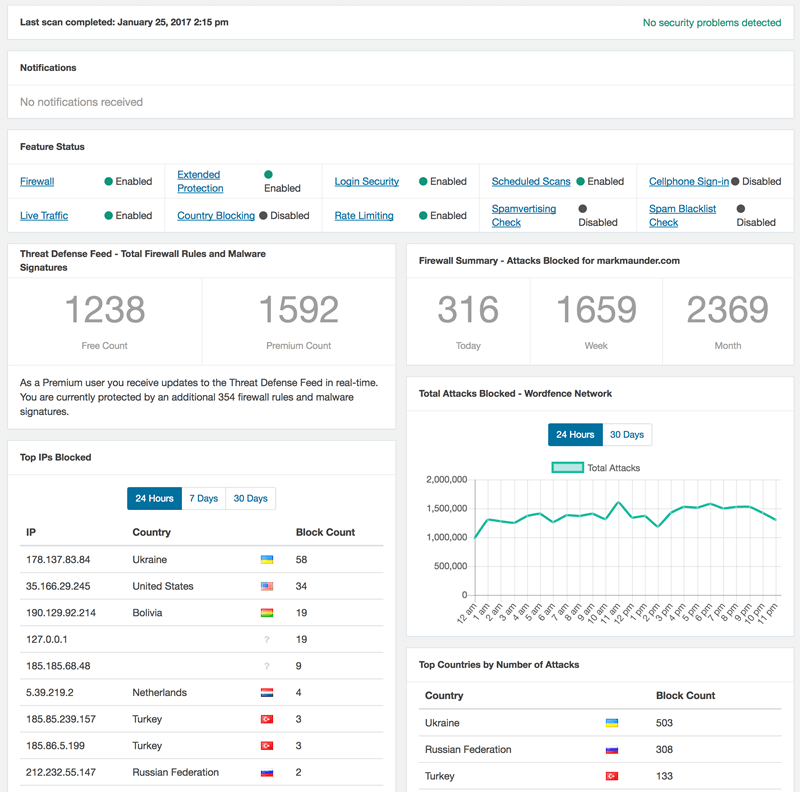
A WordPress security plugin provides many valuable functions, but at its most basic, a WordPress security plugin protects your website from attacks during the time it is vulnerable.
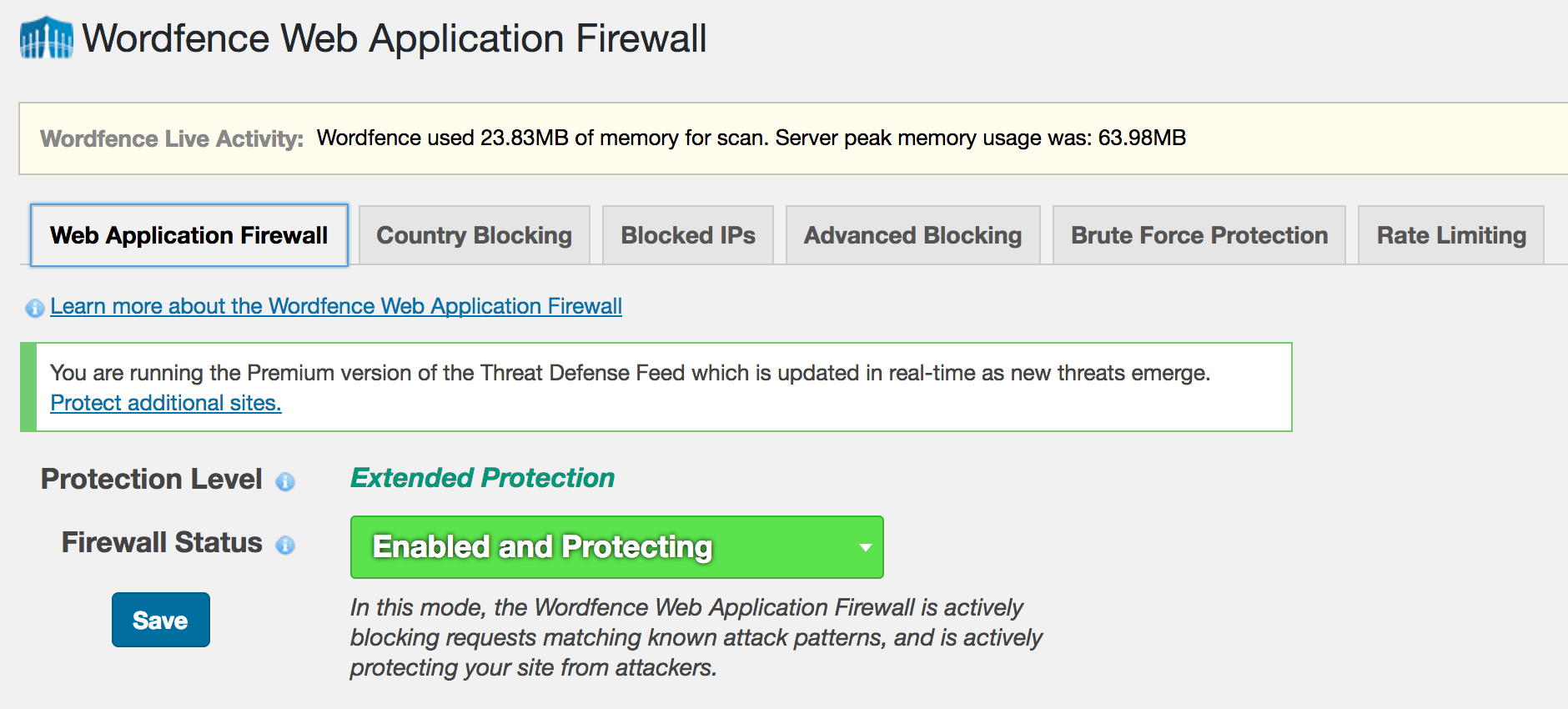
We do this in two ways. Wordfence provides a firewall that has rules that are constantly updated. At Wordfence, when we learn about a new security hole in software that you might use, we release a firewall rule to your site that allows Wordfence to block hackers from exploiting that security hole.
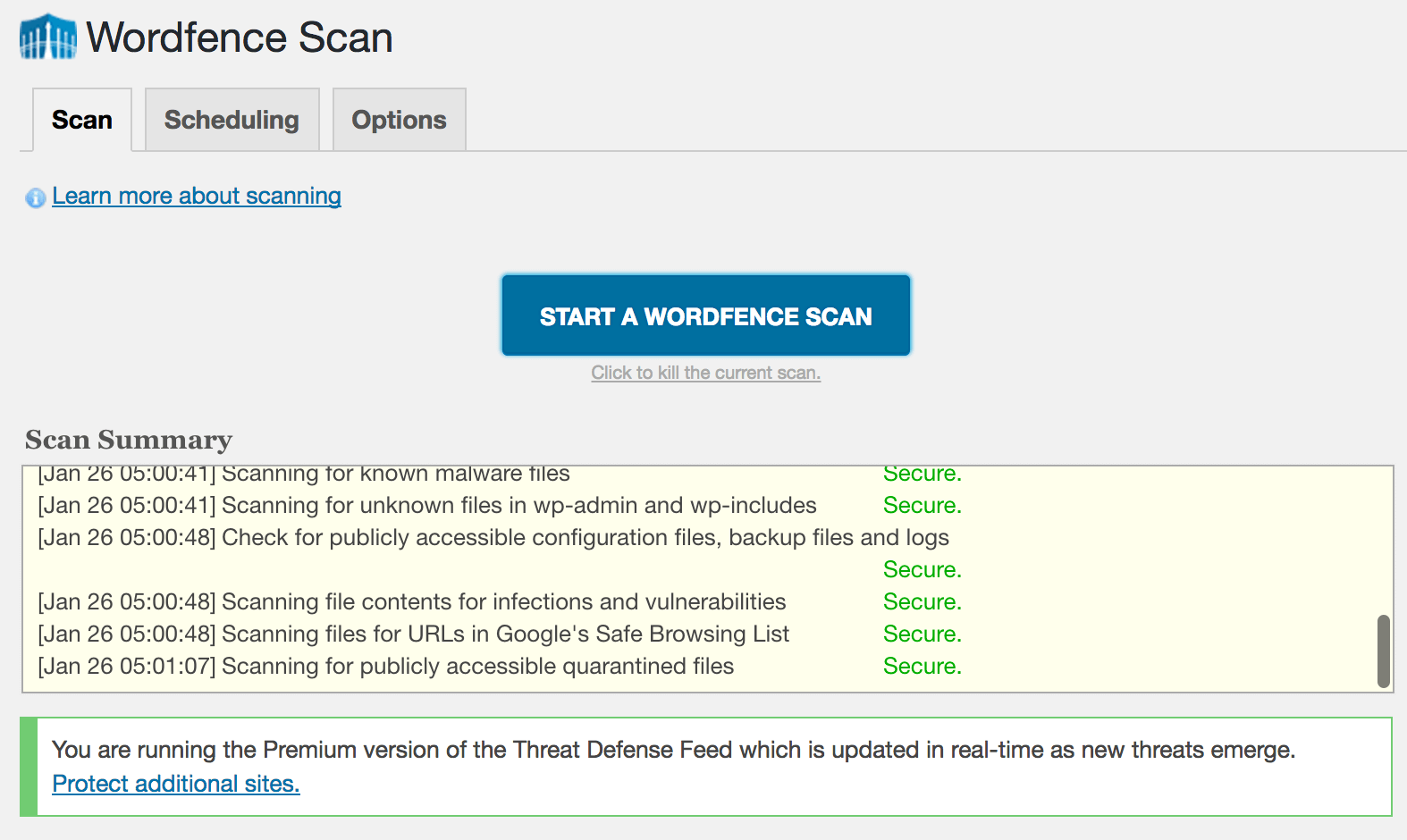
The second way we protect you is by providing a malware scan. Wordfence detects thousands of malware variants. If the worst happens and somehow a hacker does manage to penetrate your website, Wordfence alerts you to the presence of malware on your website and even helps you find it and remove it. Our malware signatures are also continually updated.
As many of you know, our Threat Defense Feed is what distributes new firewall rules and malware signatures to your Wordfence security plugin. Our Premium customers receive these in real-time. Free customers are delayed by 30 days.
Protecting You When You’re Vulnerable is What We Do
 Wordfence provides many other security functions including two factor authentication, country blocking, brute force protection, rate limiting and more. But the most important function we provide is this: Wordfence protects your WordPress website once vulnerabilities are discovered in your previously secure website and before you have installed a fix.
Most websites are hacked as a result of an attacker gaining entry by exploiting a vulnerability in the website software. By using an effective WordPress firewall like Wordfence with a real-time Threat Defense Feed, you are protected, even if your website suffers from a vulnerability.
I hope this has helped provide a fundamental understanding of the most important reason you or someone you know needs a WordPress security plugin like Wordfence. As always I welcome your feedback in the comments below.
Stay safe!
Mark Maunder – Wordfence Founder/CEO.
Thanks to Dan Moen for editing this post.
The post Do You Need a WordPress Security Plugin? appeared first on Wordfence.