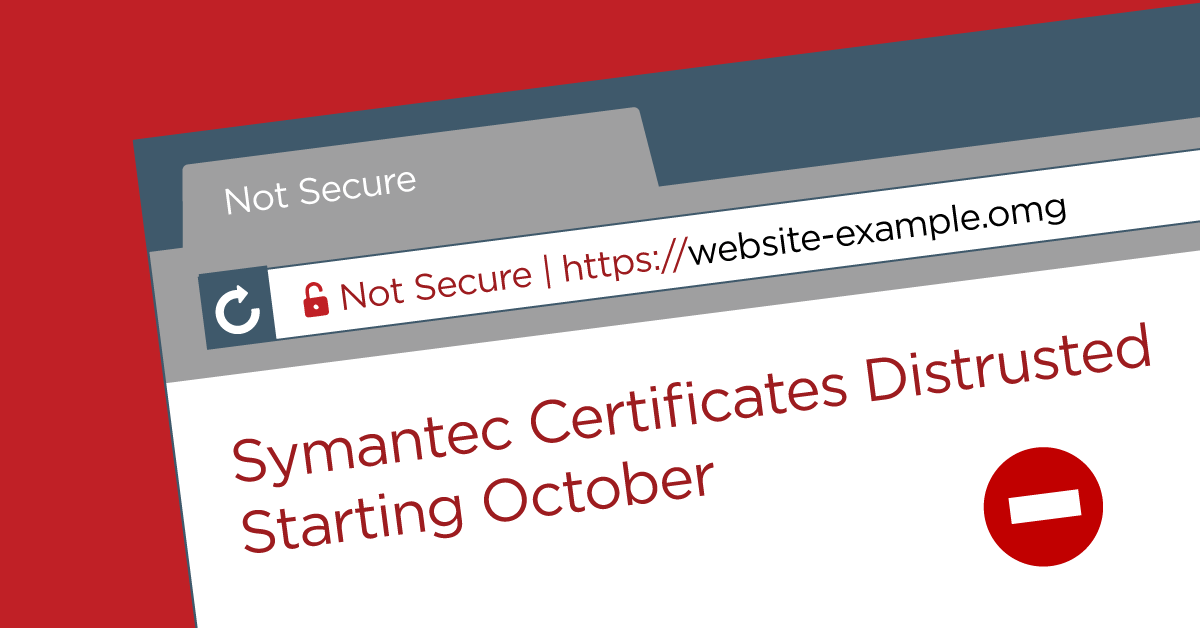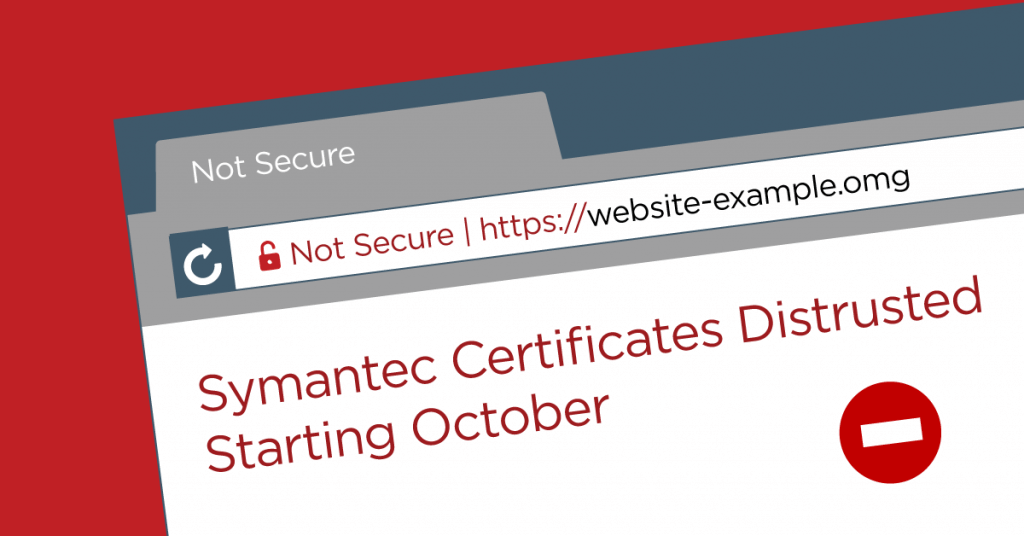
This is a final reminder that legacy TLS certificates issued by Symantec, including those issued by authorities like Thawte, Geotrust, and RapidSSL which used Symantec as a central authority, will be distrusted by both Google Chrome and Mozilla Firefox beginning in October. Apple products have partially distrusted these certificates and plan to also distrust the full set of certificates at some point in Fall 2018. Digicert has acquired the Certificate Authority (CA) and its infrastructure, and is issuing free replacement certificates for all affected customers. If you have already replaced your certificate, no action is needed.
This post is Copyright 2018 Defiant, Inc. and was published on the wordfence.com official blog. Republication of this post without permission is prohibited. You can find this post at: https://www.wordfence.com/blog/2018/09/reminder-popular-browsers-to-distrust-symantec-ssl-tls-certificates-starting-in-october/
Mozilla has estimated around 1% of the top million websites are still using certificates which will no longer be accepted by most web browsers in the next month, despite the year of warning. If you are currently using Firefox or Chrome, you can simply visit your website and check the browser console (Ctrl+Shift+J in Windows and Linux, or Cmd+Shift+J on Mac for Firefox and Cmd+Option+J for Chrome) to see if your certificate is in danger of being distrusted. If you use Firefox Nightly or Chrome Canary you may already see the standard “Invalid Certificate” warning rather than your site.
 Example warning from the Chrome console for a site with an affected certificate
Why Is This Happening?
When we last reminded our users about this 6 months ago, questions like “Why do browser vendors care?” and “Why is this happening?” filled the comments section of the post.
Browser vendors care because these certificates are used to verify you are connecting to the server you intended. Without getting buried in technical details of public key cryptography and certificate chains, this is done by having a pool of central authorities that verify an issued certificate goes to the proper owner of a website. Your computer has a list of trusted authorities stored on it, and compares every certificate it sees to this list. This means that, in addition to encrypting the data in transit between you and the server, you can also be assured that you are communicating with the correct server. This prevents actions such as a Man In The Middle (MITM) attack, where a malicious actor attempts to intercept or alter traffic between a user and a server.
The challenging part of being a Certificate Authority (CA), like Symantec was, is properly verifying who is being issued a certificate, which leads us to why this change is taking place. Back in 2016, users noticed Symantec issuing certificates against certain guidelines, and posted this information to a Mozilla security mailing list. This was the latest in a series of problems with the Symantec CA. After much discussion between other major CAs, the decision was made to distrust Symantec and remove it as an authority. If you’re curious about further technical details, the majority of this discussion was conducted via public mailing lists available online.
This is a final reminder, as the next upcoming browser releases will entirely distrust these certificates. Please check your site and replace the certificate as needed!
The post Reminder: Popular Browsers To Distrust Symantec SSL/TLS Certificates Starting In October appeared first on Wordfence.